You haven't signed in yet, you can have a better experience after signing in
Connection Explorer: Network Connection Monitoring and Security Tool Software 
Activity Rules
1、Activity time:{{ info.groupon.start_at }} ~ {{ info.groupon.end_at }}。
1、Activity time:cease when sold out。
2、Validity period of the Group Buying:{{ info.groupon.expire_days * 24 }} hours。
3、Number of Group Buying:{{ info.groupon.need_count }}x。
Please Pay Attention
1、Teamwork process: Join/initiate a Group Buying and make a successful payment - Within the validity period, the number of team members meets the activity requirements - Group Buying succeeded!
2、If the number of participants cannot be met within the valid period, the group will fail, and the paid amount will be refunded in the original way.
3、The number of people required and the time of the event may vary among different products. Please pay attention to the rules of the event.
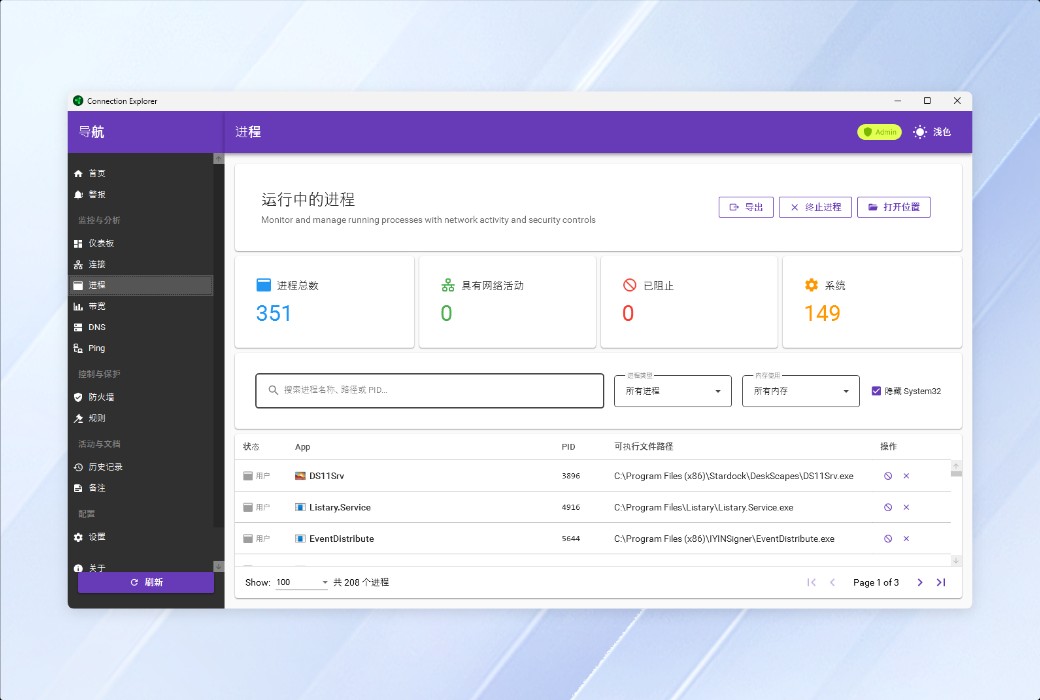
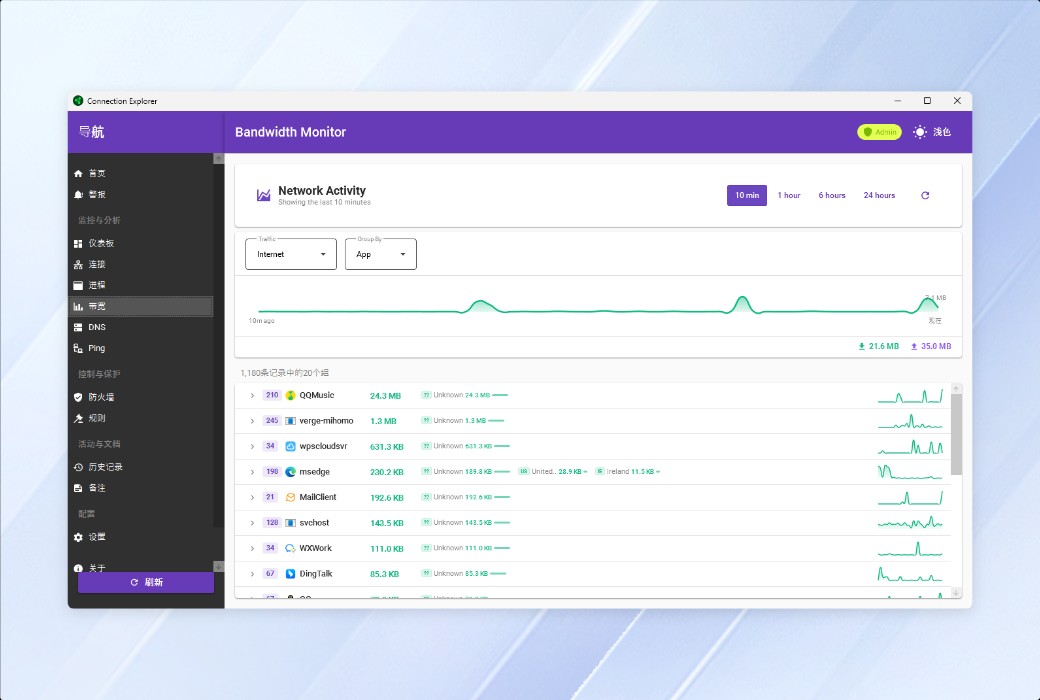
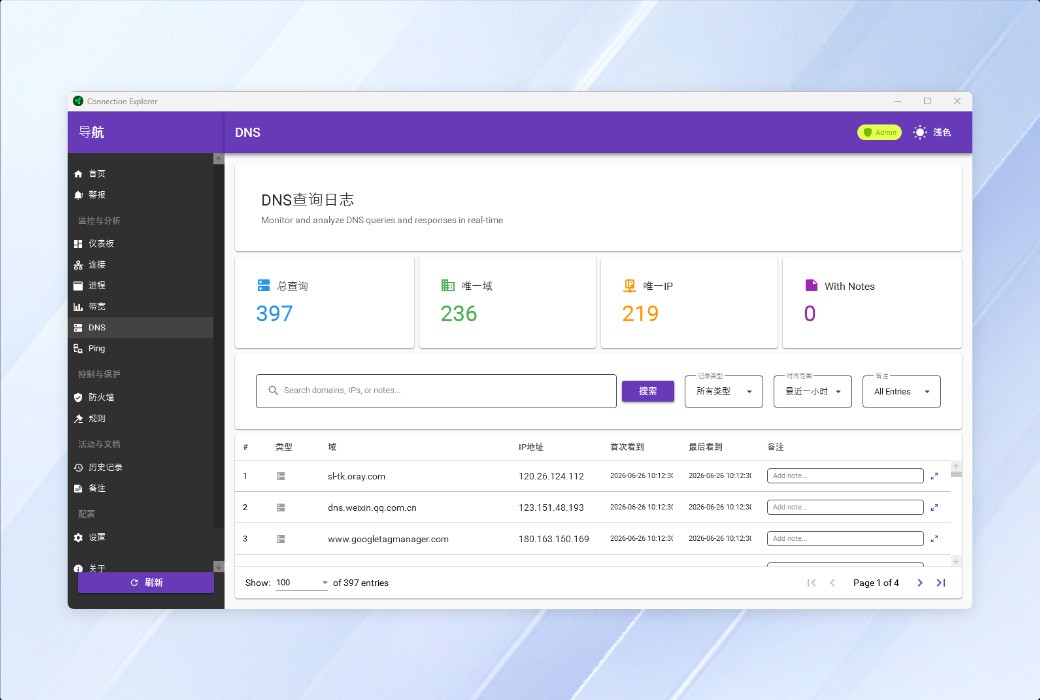
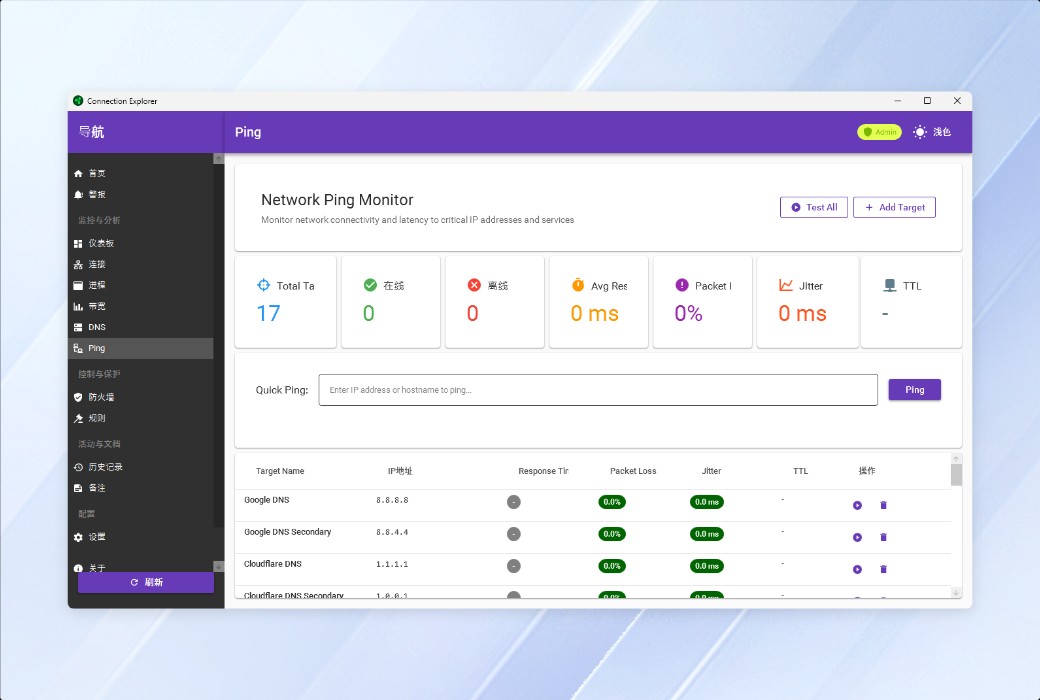
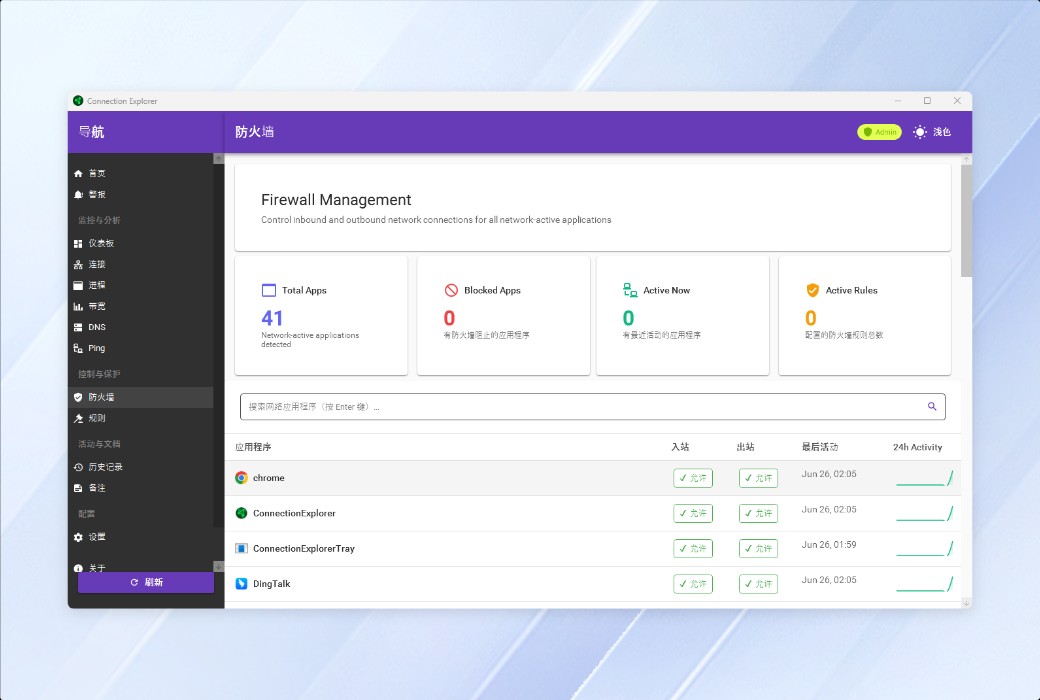
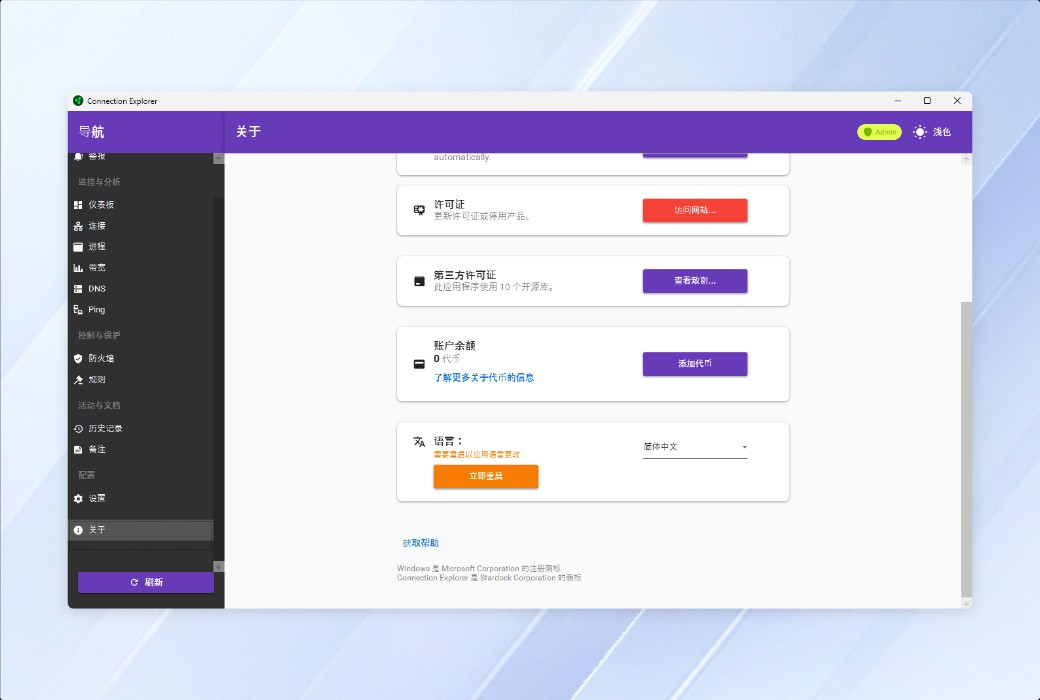
Connection Explorer - View All Connections
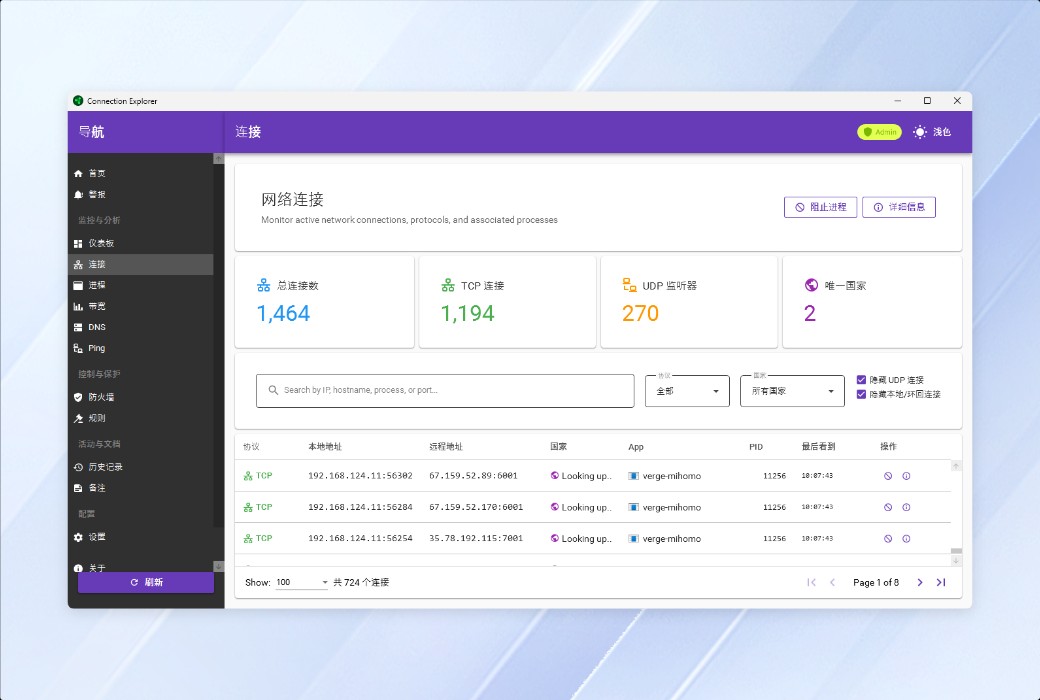
Your Apps Are Communicating, See Who's Listening
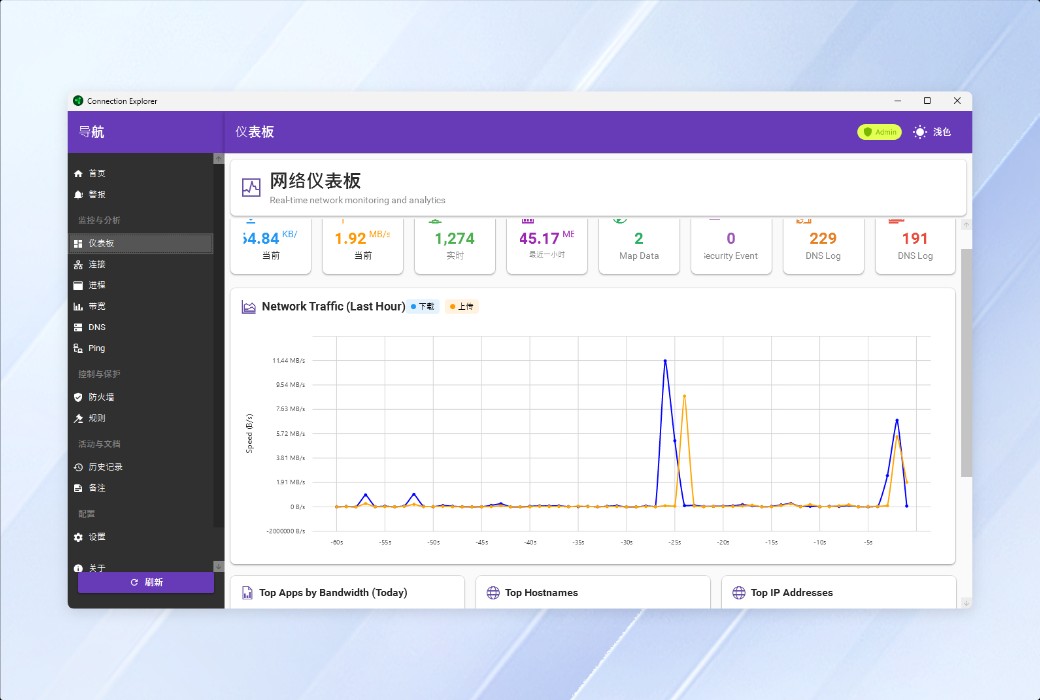
Gain a clear understanding of every connection established by your computer and where your applications are sending data.
Easy to View and Understand
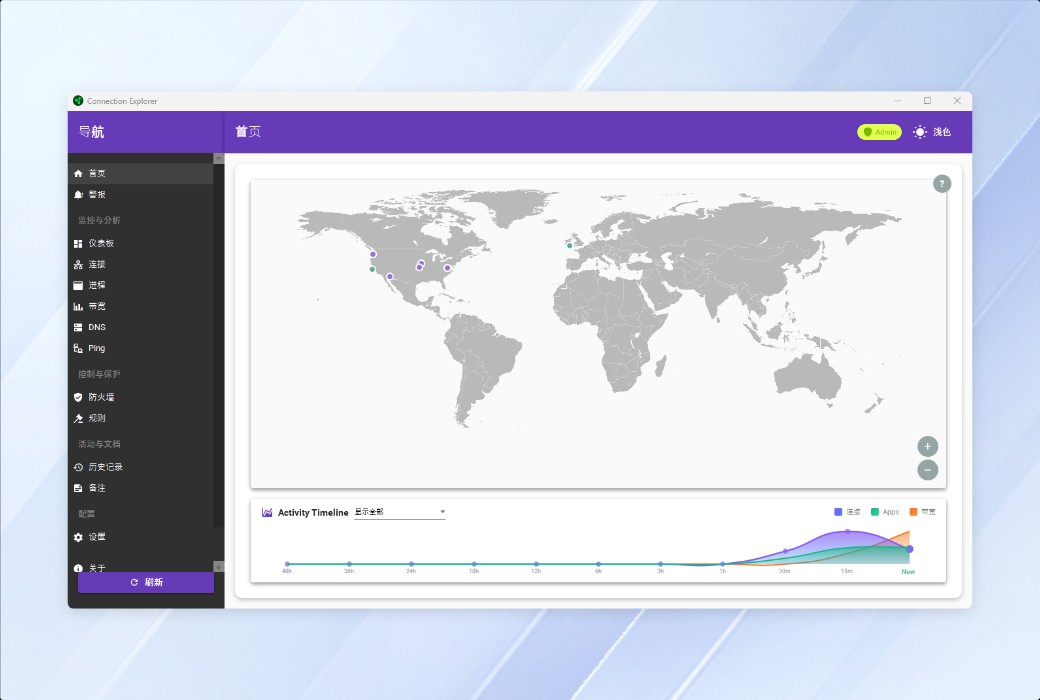
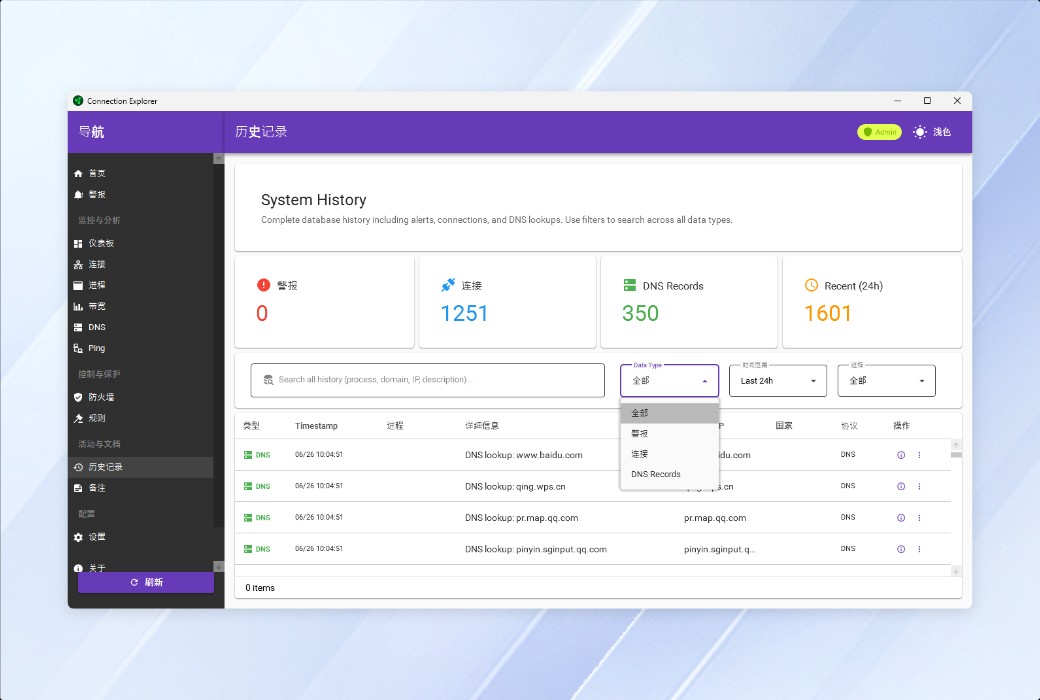
With the homepage and timeline views, you can view current and historical associations with just one click, making complex data easy to understand.
Interactive Data, Helping You Explore Connections
Each point on the map represents a real-time connection, allowing you to explore these connections and understand where your applications are sending or receiving information.
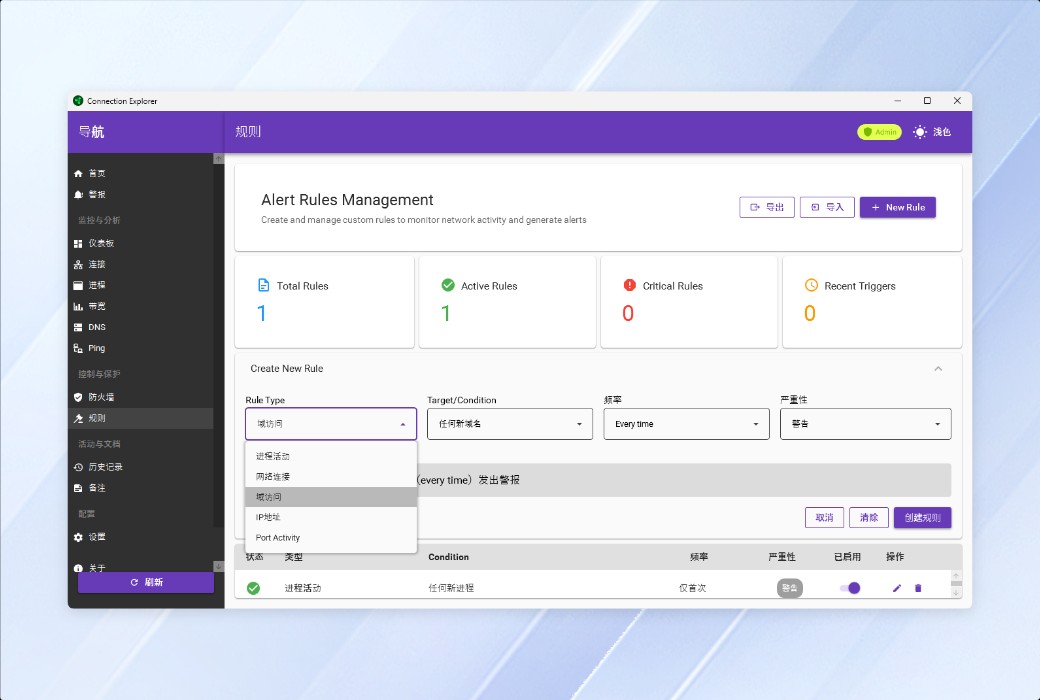
Create Smart Alerts, Defined by You
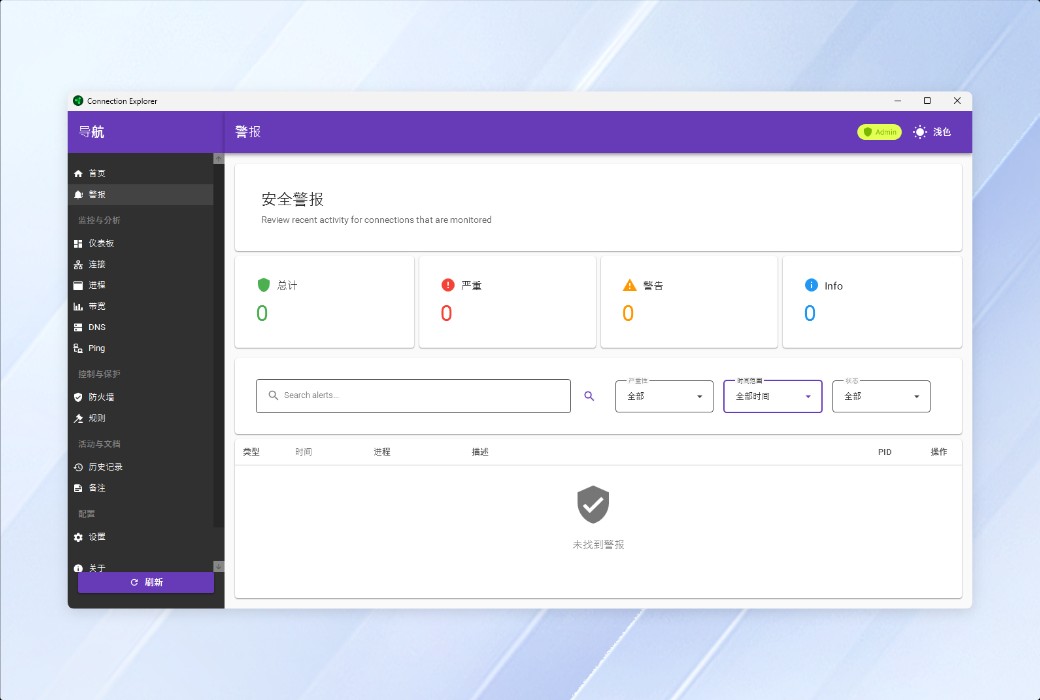
Create smart rules to identify suspicious network activity and raise alerts.
Find Connections Based on Geographic Location
Easily build rules to raise alerts when connections to specific countries/regions are detected, or set parameters to receive alerts when connections outside your country/region occur.
Monitor Port Activity
Want to know if someone is attacking your remote desktop connection? The easy-to-configure port monitoring logic makes everything simple.
Feature Highlights
Map
View active connections and their locations on an interactive map. This powerful feature helps you visualize connections by quickly running route tracing, searching for all connections, and utilizing other resources for in-depth analysis of connections.

Official Website:https://www.stardock.com/products/connectionexplorer/
Download Center:https://connectionexplorer.apsgo.cn
Delivery Time: processed manually online
Operating Platform: Windows
Interface Language: supports Chinese interface display, with multiple languages available.
Update Instructions: use and update during the subscription period.
Trial Before Purchase: free trial available before purchase.
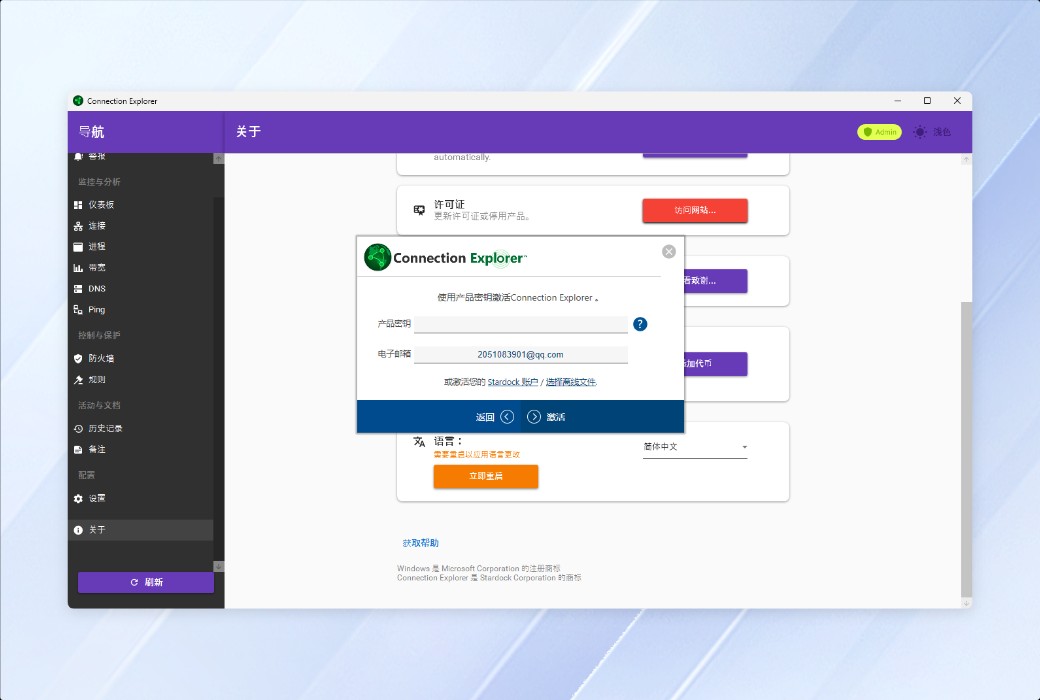
How to Receive the Product: after purchase, activation information will be sent to the email used for placing the order, and the corresponding product activation code can be viewed in the personal center, My Orders.
Number of Devices: up to 5 devices can be installed and activated.
Changing Computers: deactivate the original computer and activate on the new one.
Activation Guide: to be added.
Special Instructions: to be added.
References:https://www.stardock.com/products/connectionexplorer/

Any question